Windows v4.7 is now available

Push & Sync Your Clipboard
Instantly & Securely

Install on your computer, scan a QR code with your phone, and you're up and running in minutes. Press a hotkey or tap Push — text, images, and files sync instantly. Free, open source, end-to-end encrypted. No account required.

Free & Open Source AES-256-GCM Encrypted No Account Required Self-Hostable
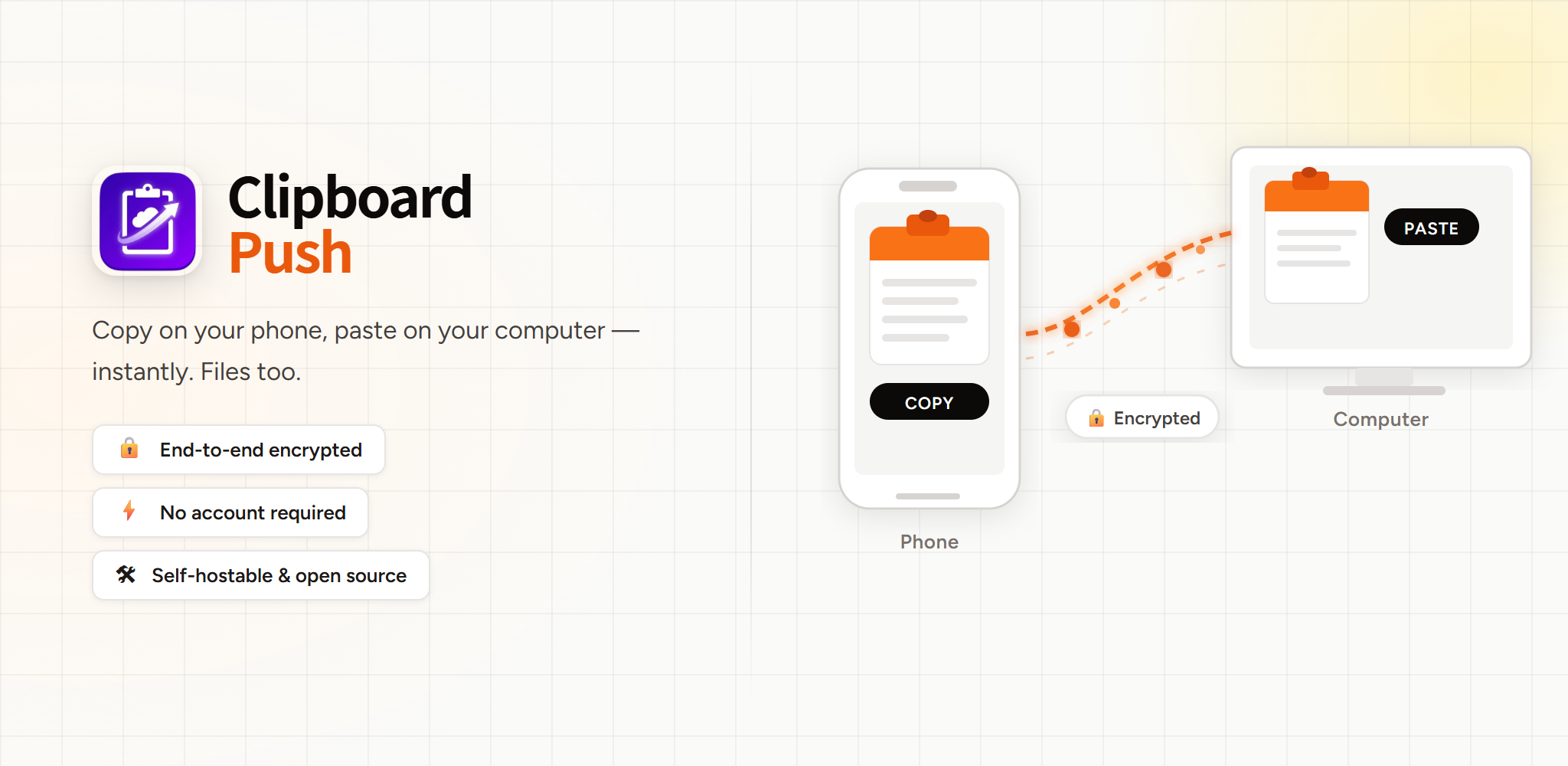
ClipboardPush — copy on your phone, paste on your computer

Everything you need

Designed for speed, privacy, and utility. No fluff.

End-to-End Encryption

Your data is encrypted with AES-256-GCM before it ever leaves your device. Even the relay server cannot see what you are copying.

Media Support

Images, screenshots, files. Push anything with a keystroke or tray menu click.

JPG
Screenshot.jpg
MP4
Demo.mp4
PDF
Report.pdf

Instant Push

Socket-based real-time connection. Latency under 100 ms. Push with a customizable hotkey on PC or the Push button on Android — you decide what gets sent and when.

Self-Hostable

Don't trust us? Run your own relay server with Docker. Complete data sovereignty.

How it works

Three steps. Then you never think about it again.

Install

Download the Windows client and the Android app. Both are free, no account needed.

Connect

Open the PC client — it shows a QR code. Scan it with the Android app to connect instantly. No manual configuration needed.

Push & Paste

Press the hotkey on your computer or tap Push on your phone — text, images, and files transfer in under a second. You decide what gets sent and when.

Computer
AES-256-GCM
Relay Server
Phone

Download ClipboardPush

Free forever. No sign-up. Works in minutes.

Windows

v4.7.1 • 64-bit • Win 10/11

Download Installer

macOS

In Development

Coming Soon

Android

Android 8.0+

Get it on Google Play Download .apk

iOS

In Development

Coming Soon

Direct APK requires sideloading (enable "Install unknown apps" in Settings). Prefer Google Play for automatic updates.

Frequently asked questions

Got a question? It's probably answered here.

Yes. All clipboard content is encrypted with AES-256-GCM on your device before it is sent anywhere. The relay server only routes encrypted packets — it cannot read your text or files. Even we can't. When files are relayed through cloud storage as a fallback, they are encrypted end-to-end and the server automatically purges all cloud storage every 60 minutes, so your files are never retained beyond the transfer window.
No. ClipboardPush works over the internet through the relay server, so your PC and phone can be on different networks. When they are on the same LAN, the app automatically switches to direct local transfer for even lower latency.
Text, images (PNG, JPEG, screenshots), videos, and arbitrary files — all bidirectional between PC and Android. Push text with a customizable hotkey on PC or the Push button on Android. Files can be pushed from the system tray menu on PC or the share sheet on Android. Received files are saved to your Android Downloads folder.
The public relay server is free to use with no account required. For unlimited control, you can self-host the relay server using Docker on any VPS or home server — it is fully open source.
Windows: Windows 10 or 11, 64-bit.
Android: Android 8.0 (Oreo) or later.
macOS and iOS clients are currently in development.
Yes. The relay server is a lightweight Python/Socket.IO application. Point both the Windows client and Android app to your server URL in their settings and you are completely self-sufficient — no dependency on our infrastructure.